How your free trial and starter project work
What your trial includes, how to extend it, and what happens after
When you first sign up for SetHero, you automatically get access to a 15-day free trial for your company, as well as a free starter project to help you learn the ropes. Here is everything you need to know about how they work.
The 15-day free trial
Your 15-day free trial gives you unlimited access to SetHero's features, except exporting call sheets to Excel, which requires an active paid subscription. During this time, you can create as many projects, call sheets, and contacts as you need without any restrictions.
Checking your trial status
You can always check how many days are left in your trial by looking at the Free Trial indicator at the top of your screen.
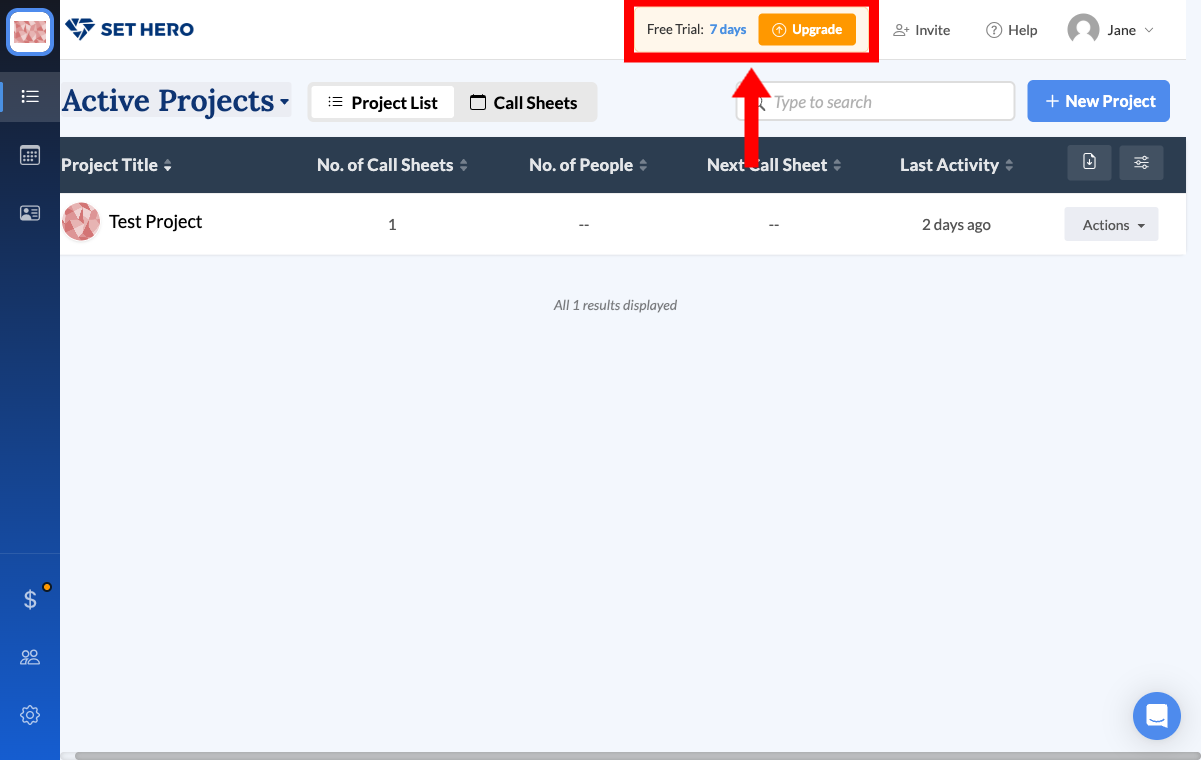
Getting more trial days
You can earn extra trial days by completing the setup steps on the Get your project ready card on Project Home, up to 37 days total. Publishing your first call sheet earns the most, at 7 days.
What happens when the trial ends?
Nothing is deleted or locked. You can still open and edit everything you created. But on any project other than your free starter project, you won't be able to:
- Publish call sheets or production reports
- Schedule call sheets to send later
- Export PDF or Excel files
To use these again, choose a subscription plan or switch to per-project billing.
Your free starter project
To help you get started, the very first project you create in SetHero is automatically designated as a Free Starter project. That includes a Test Project created during onboarding.
This project is completely free to use, even after your 15-day company trial expires, but it does have some size limits:
- Maximum of 75 people (cast and crew combined)
- Maximum of 5 shooting days
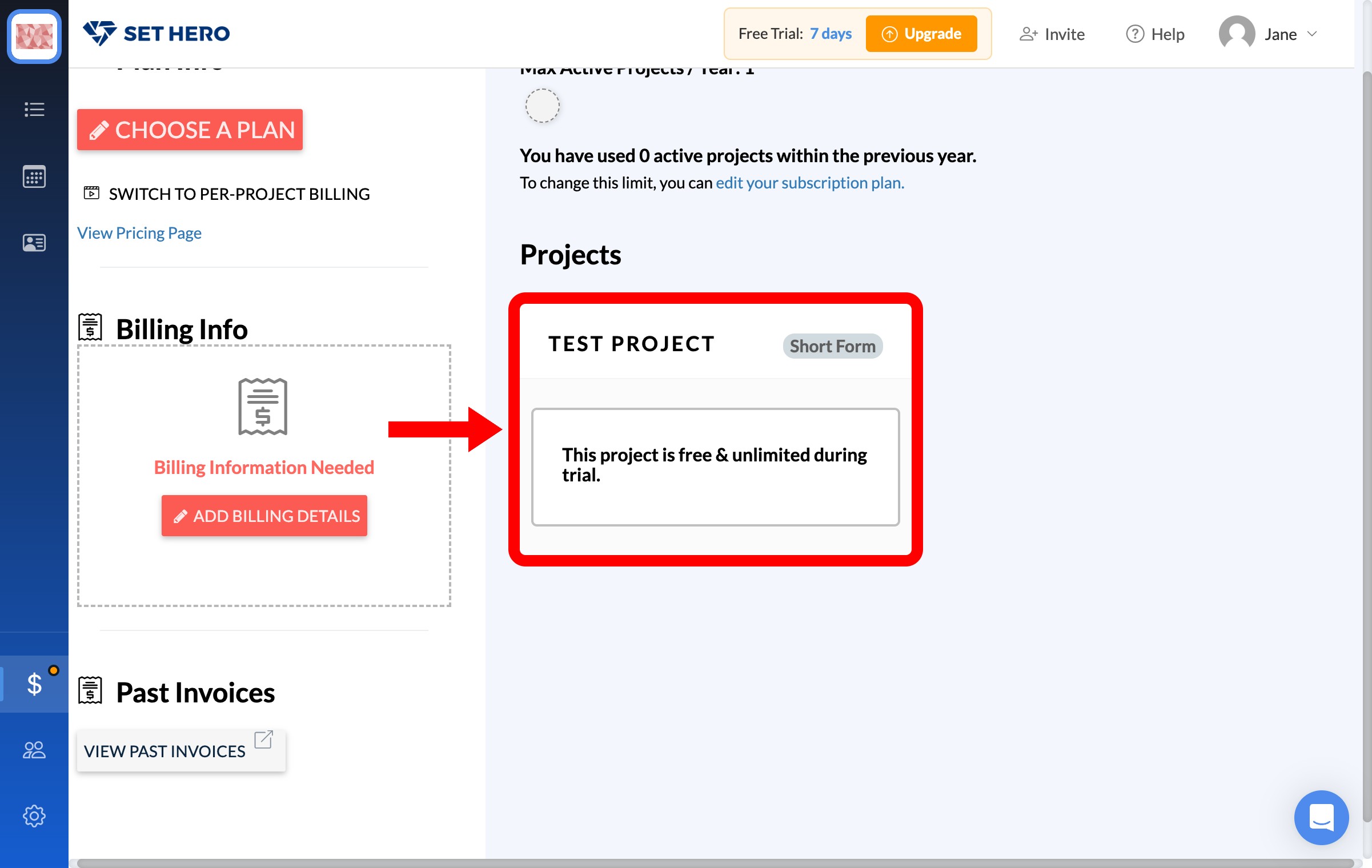
If your project stays within these limits, you can keep using it without a paid plan.
Exceeding the starter limits
If your starter project grows beyond 75 people or 5 shooting days, you will need to upgrade your account to continue publishing call sheets for that project. You can upgrade by clicking the Choose Plan button at the top of the screen, or by navigating to your company's Billing page.
Starting a subscription after your trial ends
When your trial expires, you have two ways to start a paid subscription:
- Click the Upgrade button — After the trial ends, the trial indicator at the top of the screen changes to show Trial Expired with an Upgrade button. Click it to go directly to the Billing page.
- Go to the Billing page manually — Open your company sidebar and click the Billing icon (the dollar-sign icon) to visit the Billing page.
Once you're on the Billing page, click Choose A Plan to view the available subscription options. SetHero offers two billing models:
- Subscription billing — Choose a monthly or annual plan that covers all of your projects.
- Per-project billing — Pay for each project individually as you go. You can switch to this model by clicking Switch to Per-Project Billing on the Billing page.
After you select a plan and add your billing details, you can publish and export again without any restrictions. You can edit or cancel your subscription at any time from the Billing page.
Note: If you choose a plan before your trial is over, the trial ends right away and you lose any unused trial days.
Tip: Your free starter project remains free even after the trial ends, as long as it stays within the 75-person and 5-day limits. You only need to subscribe if you want to create additional projects or exceed those limits.