Setting the day numbering (Day 3 of 12)
How day numbering works, and how to change or remove it
Call sheet headers show day numbering like Day 3 of 12. The two halves come from different places: the current day comes from the schedule, and the total is a setting you maintain.
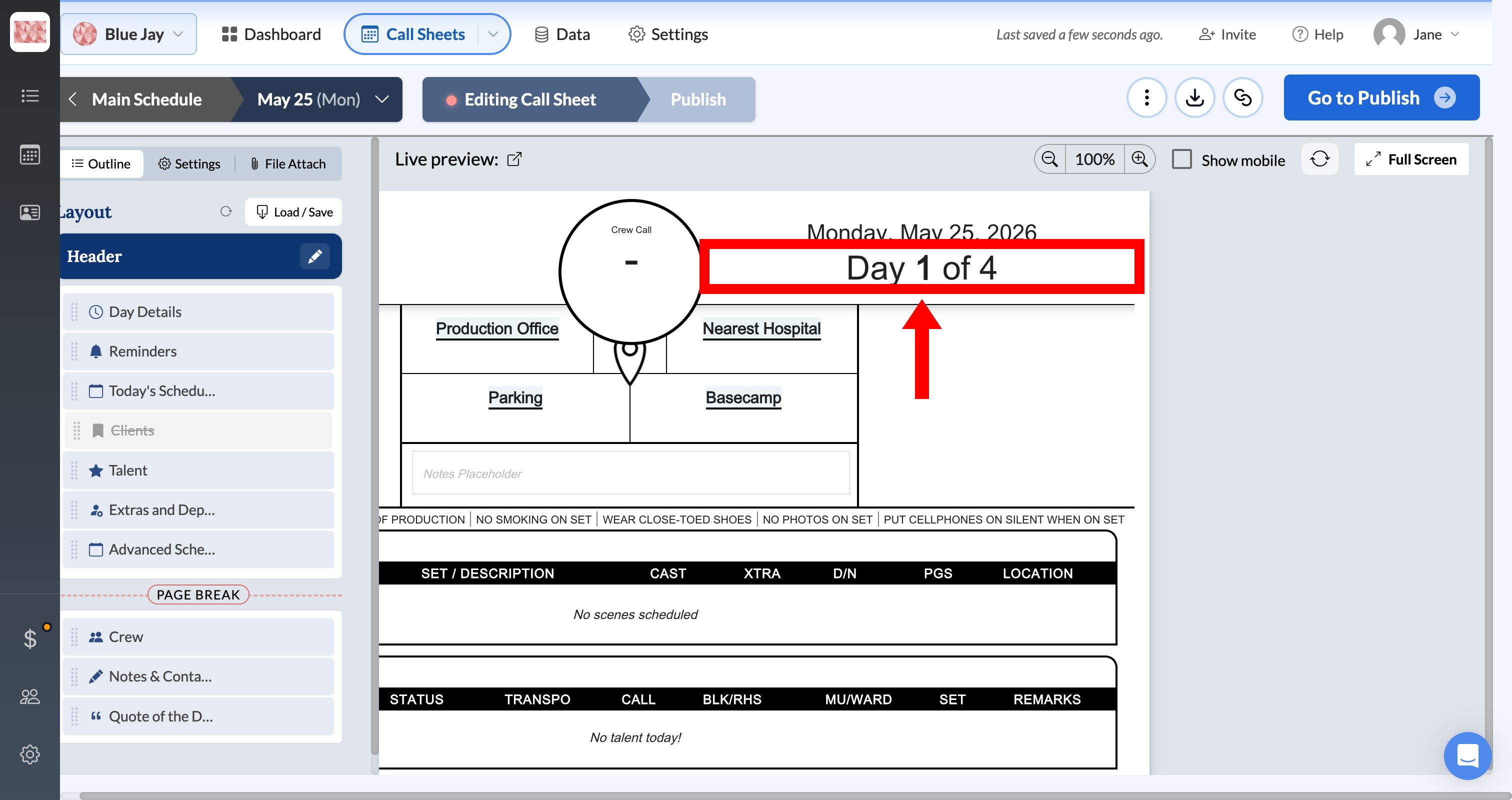
Set the current day number
SetHero counts from Day 1 by default. If you're continuing a shoot and need to start elsewhere, go to the Call Sheets page, hover the day number on the first row, click the pencil icon, and enter the new starting number. Every later day updates automatically. Adding or editing shooting days covers the rest of the schedule edits.
Set the total number of days
The total is a schedule-wide setting. Change it on one call sheet and every call sheet on that schedule updates.
Open any call sheet in the editor, click Edit on Day Details, scroll to Miscellaneous, and enter the number in Total Days.
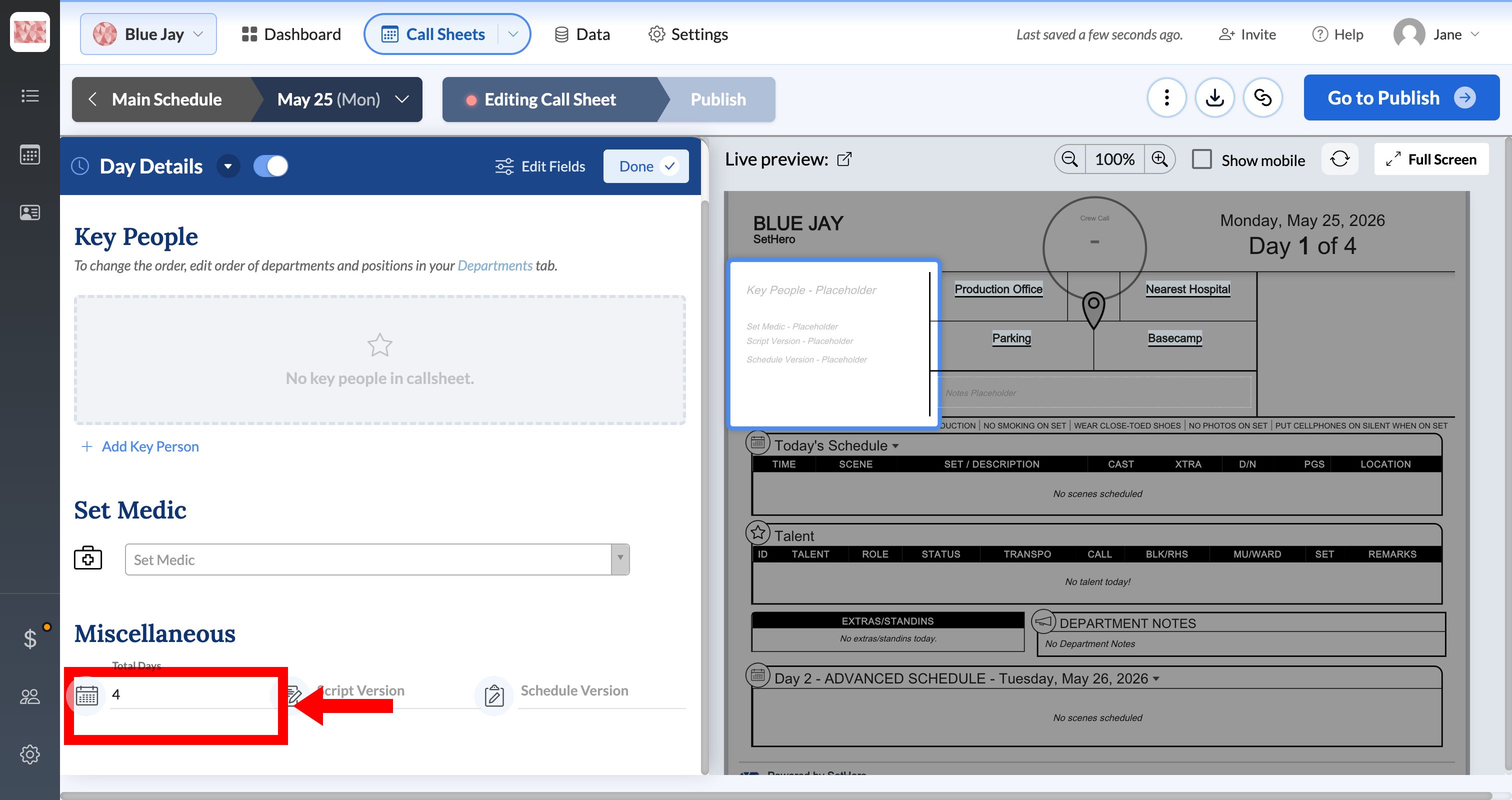
Note: Adding or removing shooting days doesn't update Total Days. Check it after any schedule change and update it by hand.
Edit or remove the day count in the header
You can change how the count appears, or drop it, without touching the schedule. Open the call sheet, click Edit on Header, select the header area that holds the day count, then select the text item with the day-number variable. Edit the surrounding text or remove the item, then click Done.
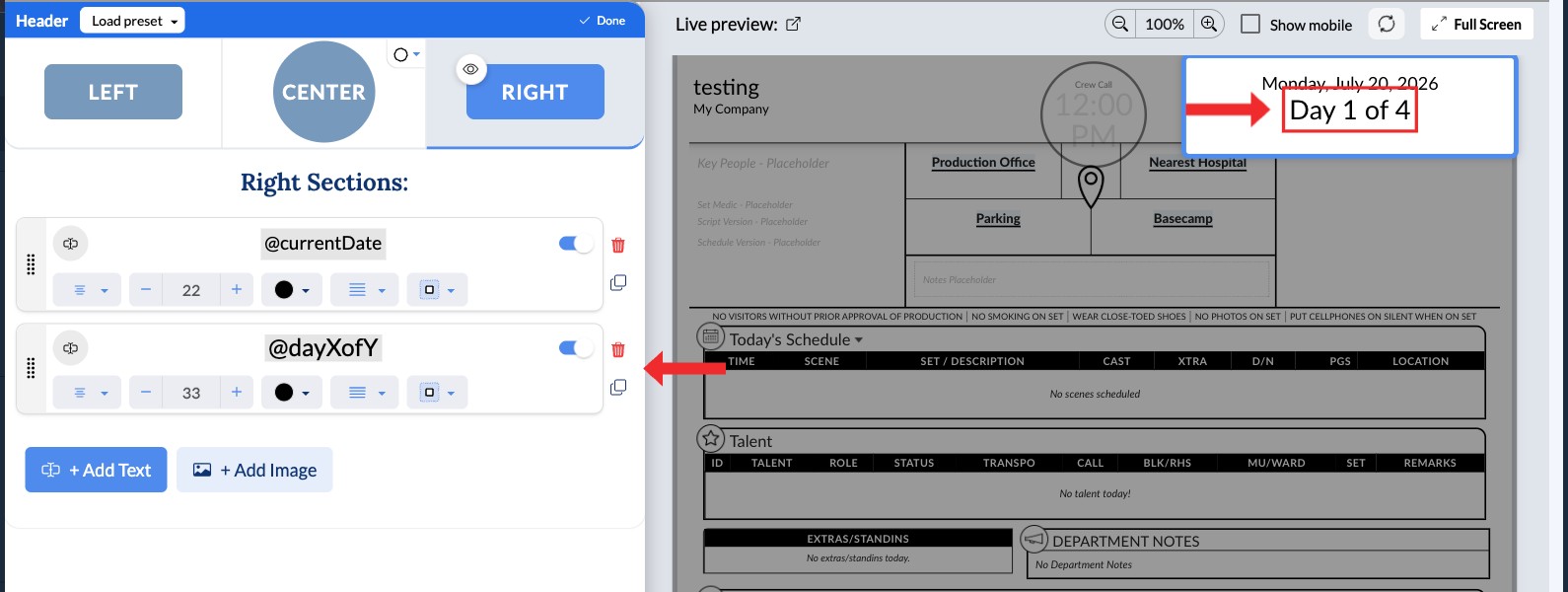
This changes only the header layout. The current day number and Total Days stay available for use elsewhere in the header.