Add weather and sunrise/sunset times
How to auto-fill the forecast, enter it yourself, and fix auto-fill problems
SetHero can fill in the day's weather and sunrise and sunset times for you, or you can enter them yourself. Both happen in the Call Sheet Editor, under Day Details → Times & Weather.
Auto-fill the weather
-
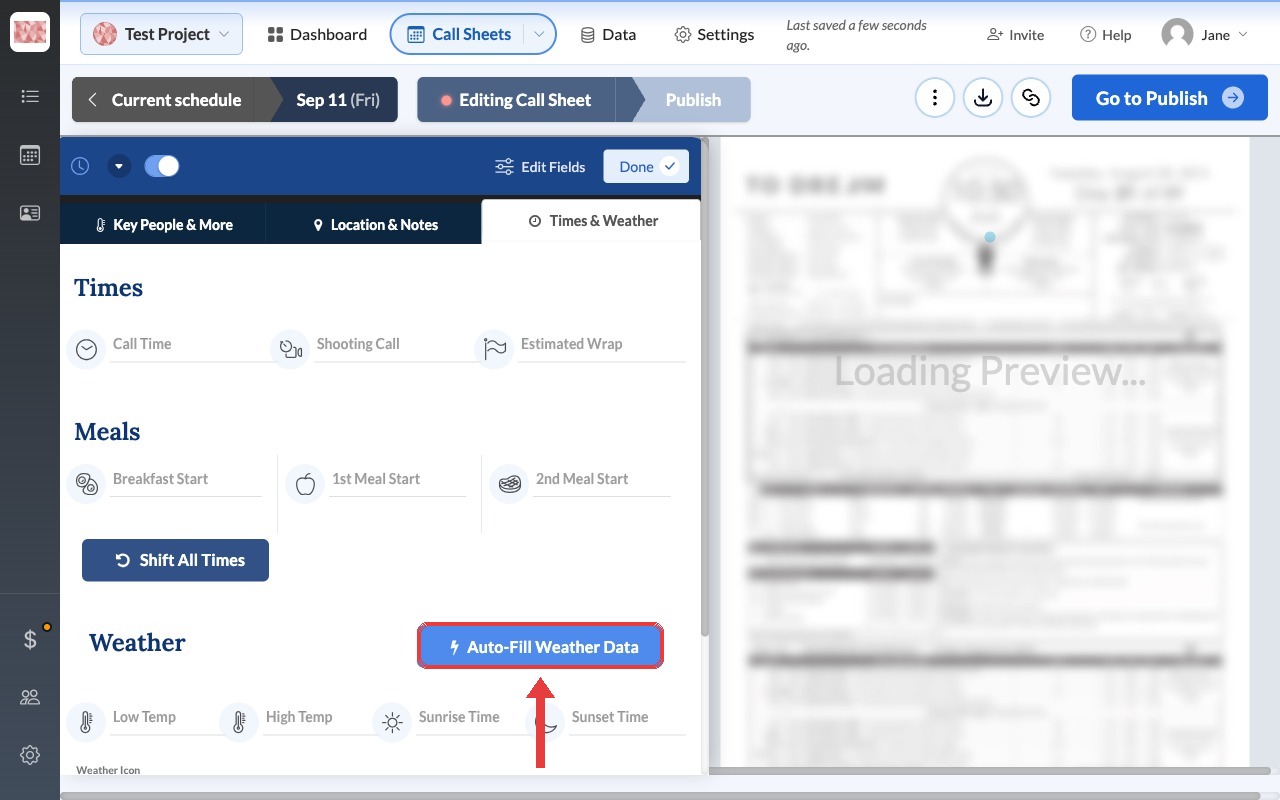
Click Auto-Fill Weather Data.
-
Check the address in the success message, since that's the location the forecast is for.
-
Review the low and high temperatures, sunrise and sunset times, weather icon, and summary.
SetHero uses the first complete address it finds on the call sheet. It looks at Parking first, then Basecamp, your schedule rows, and any other location rows.
Note: Auto-fill replaces what's already in these fields, including anything you typed. Run it first, then make your edits.
Enter the weather yourself
Type directly into any of the weather fields. You can also use this to adjust what auto-fill added. Your changes save automatically.
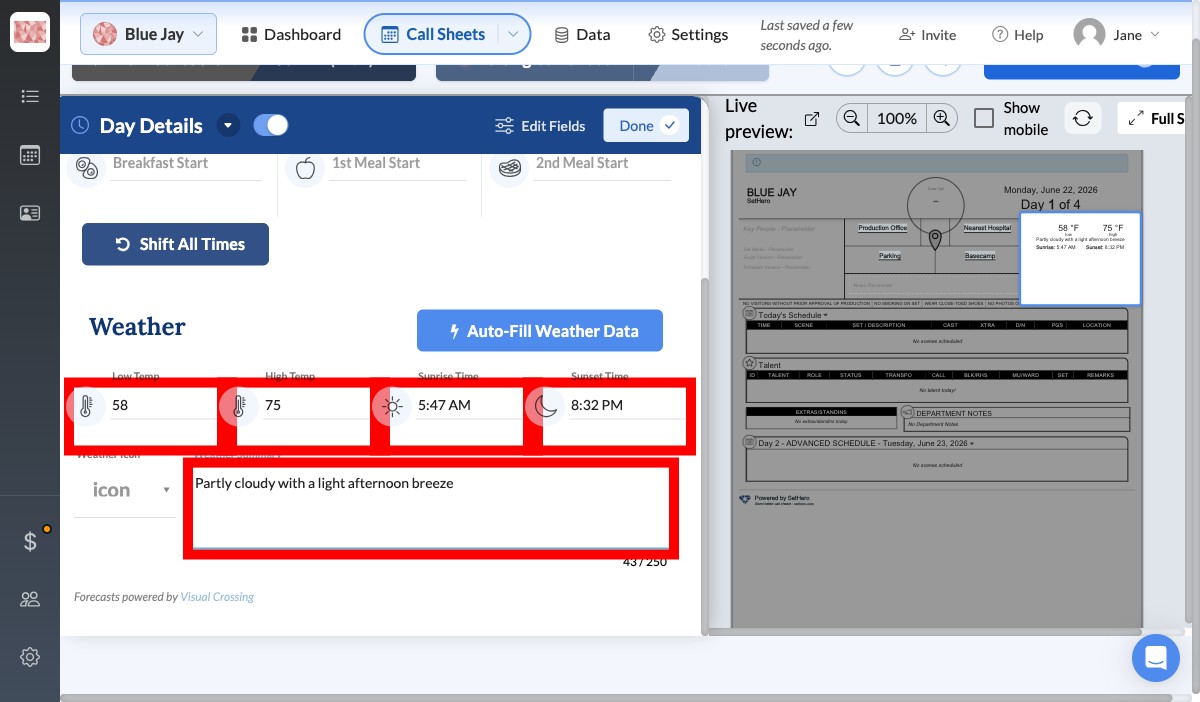
Enter temperatures in the unit your project uses. Auto-fill converts its forecast for you. To switch between °F and °C, see your project's format settings.
If auto-fill doesn't work
| What you see | What it means | What to do |
|---|---|---|
| We could not detect a valid address | The call sheet doesn't have a complete address to look up. | Add a location with a full address, then try again. |
| We weren't able to detect a precise enough location | SetHero couldn't find the address, or its city, state, and ZIP code. | Complete the address, or enter the weather yourself. |
| The wrong place in the success message | SetHero used a different location on the call sheet. | Correct that location's address, or enter the weather yourself. |
| A warning that the day is more than 10 days away | Forecasts that far out aren't reliable. | Continue if you like, then run it again closer to the day. |
| A warning that the date is in the past | SetHero will use historical weather instead of a forecast. | Continue if that's what you want. |
| Error with weather API | The lookup failed. | Try again. If it keeps happening, contact support. |