Advance schedule, reminders, and quote of the day
How to show the next day's schedule, choose production reminders, and add a quote
These three sections add useful extras to a call sheet. You can open each of them from the Layout list on the Outline tab. To remove one, hide it with its eye icon.
Advance schedule
The advance schedule previews the next shoot day's schedule at the bottom of the call sheet, so the crew can see what's coming. Its content comes from the next day's call sheet.
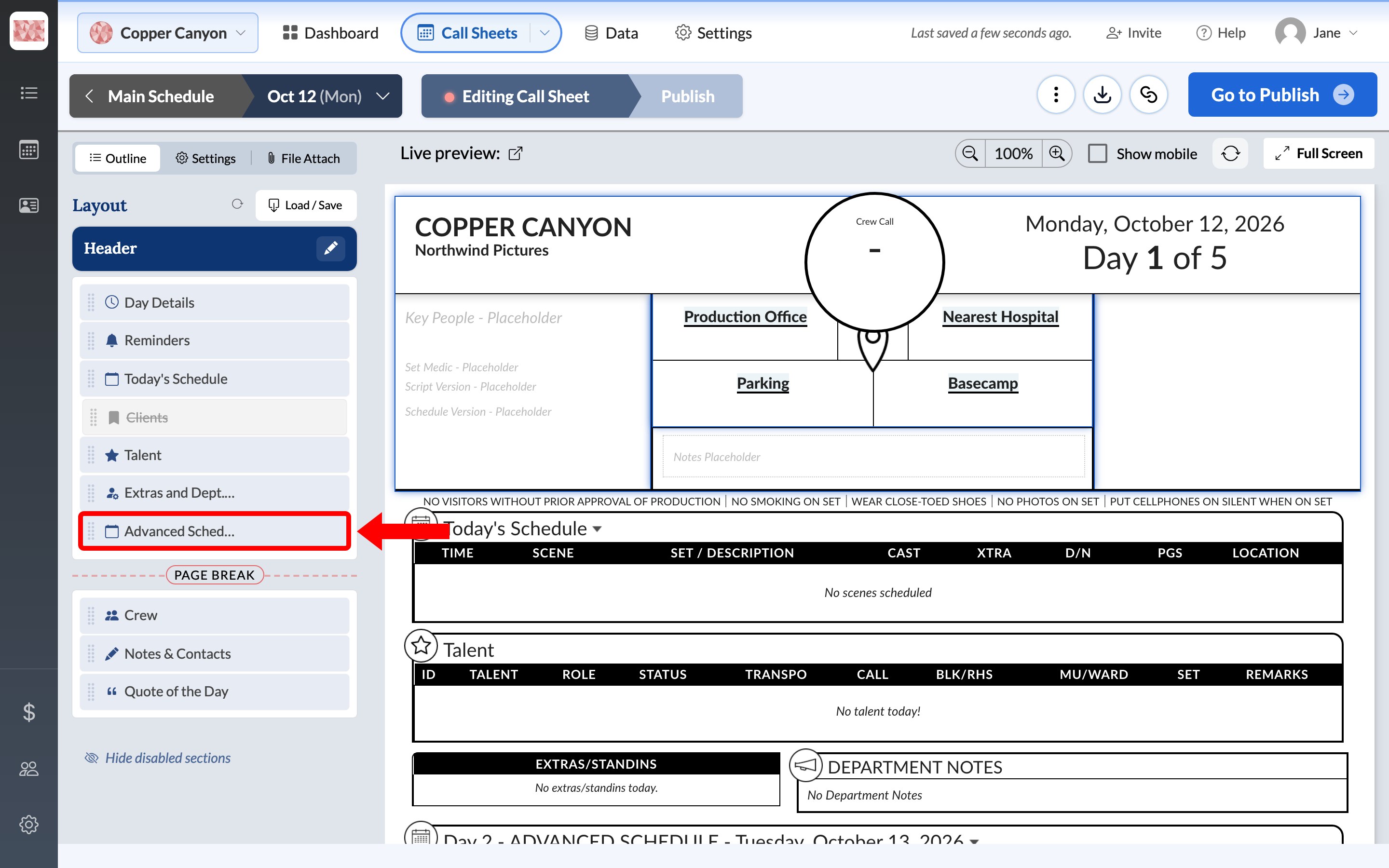
Click Advanced Schedule in the Layout list to open it.
The note at the top confirms which day you're editing. Rows you add here work the same way as on Build today's schedule, and they're saved to the next day's call sheet.
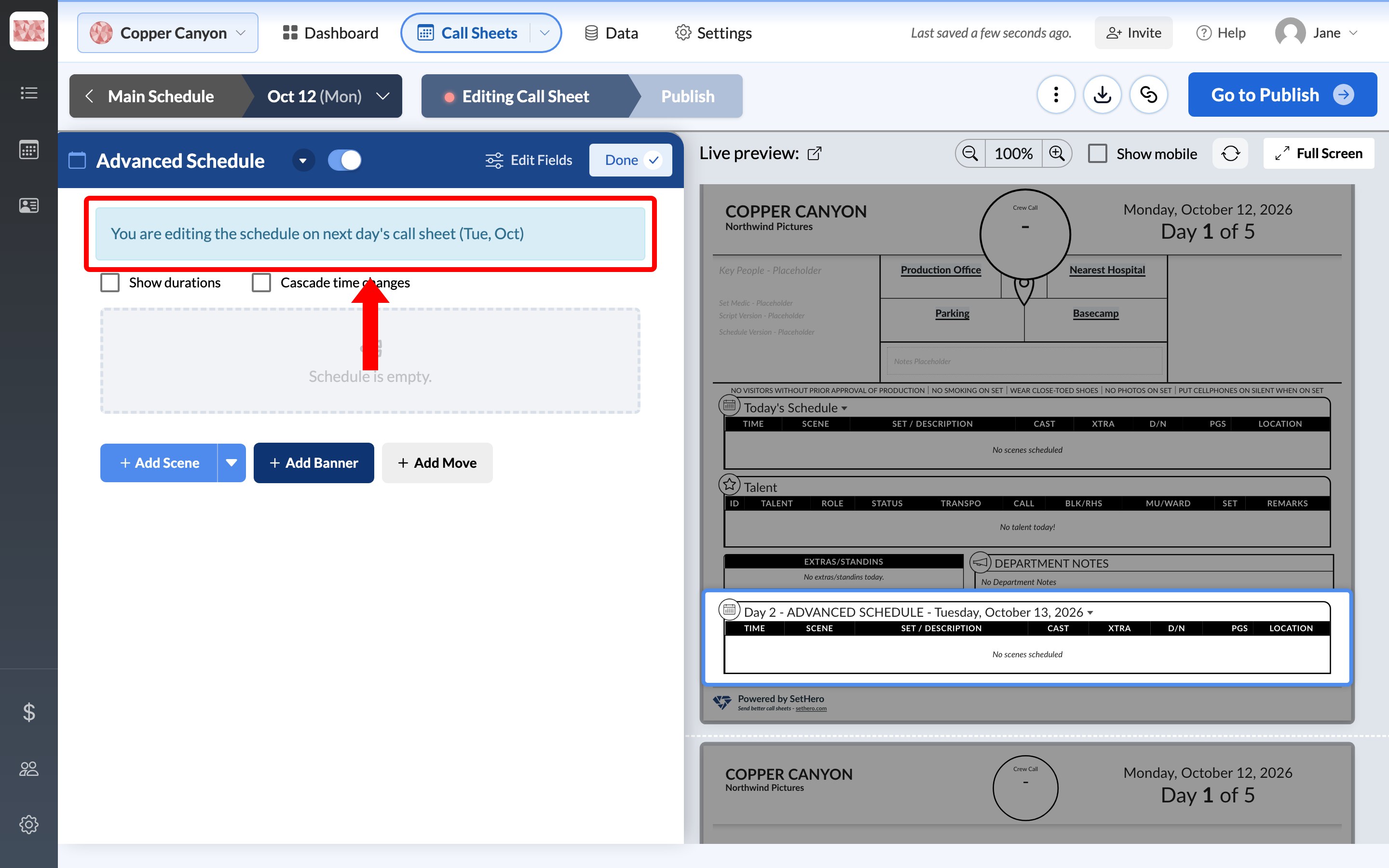
Important: Because the two are linked, changing the advance schedule also changes the next day's Today's Schedule.
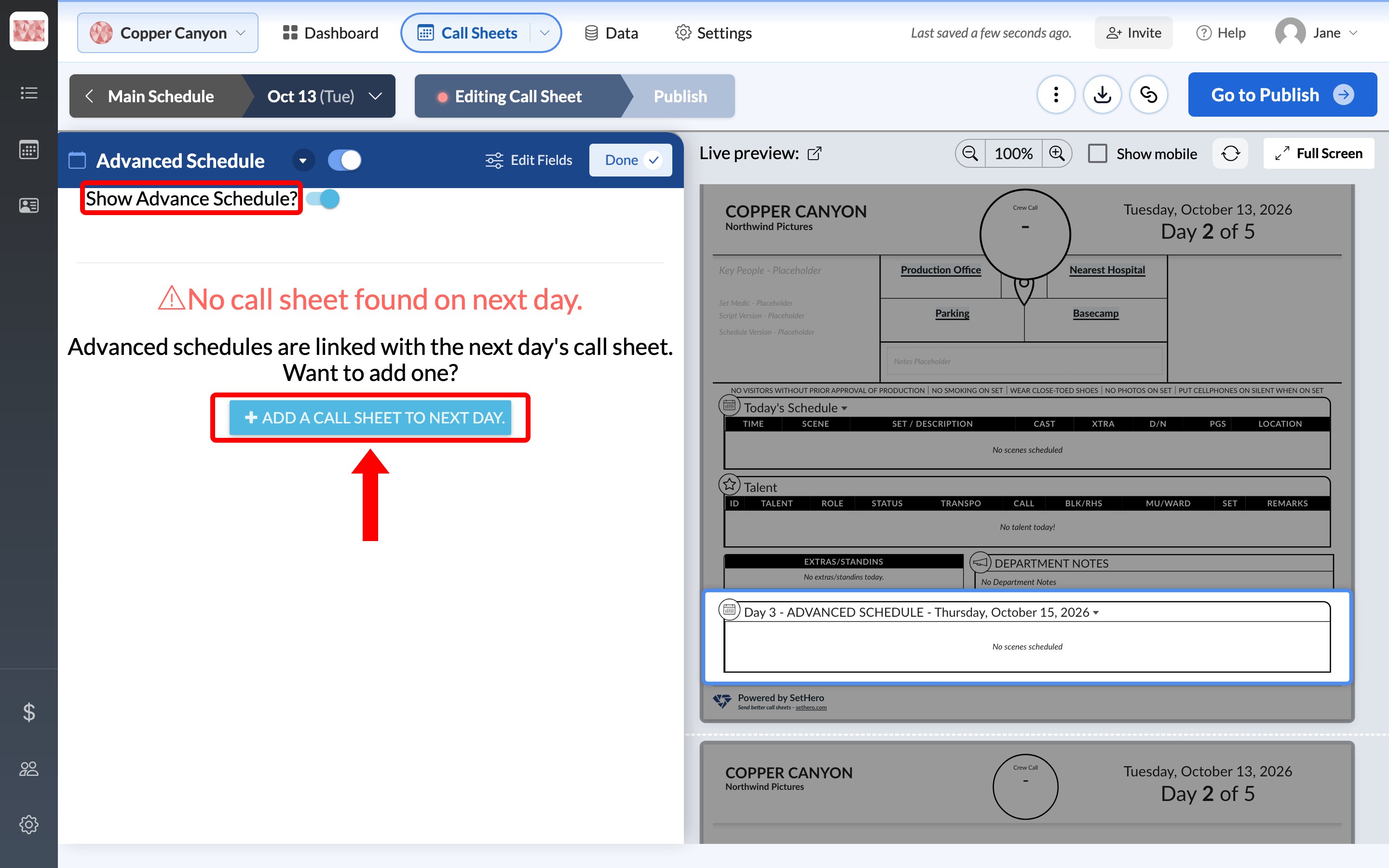
If there's no call sheet for the next day
The section asks you to add one. Click Add a call sheet to next day to create it. To leave the advance schedule off this call sheet instead, turn off Show Advance Schedule?.
If you see No future days exist, this is the last day on the schedule. Adding or editing shooting days covers adding another.
If it shows the wrong day
The advance schedule always uses the next day on the same schedule. If it shows the wrong day, check your dates on the Call Sheets page.
Production reminders
Reminders are the short safety and conduct notes that print in a strip near the top of the call sheet, such as "No smoking on set."
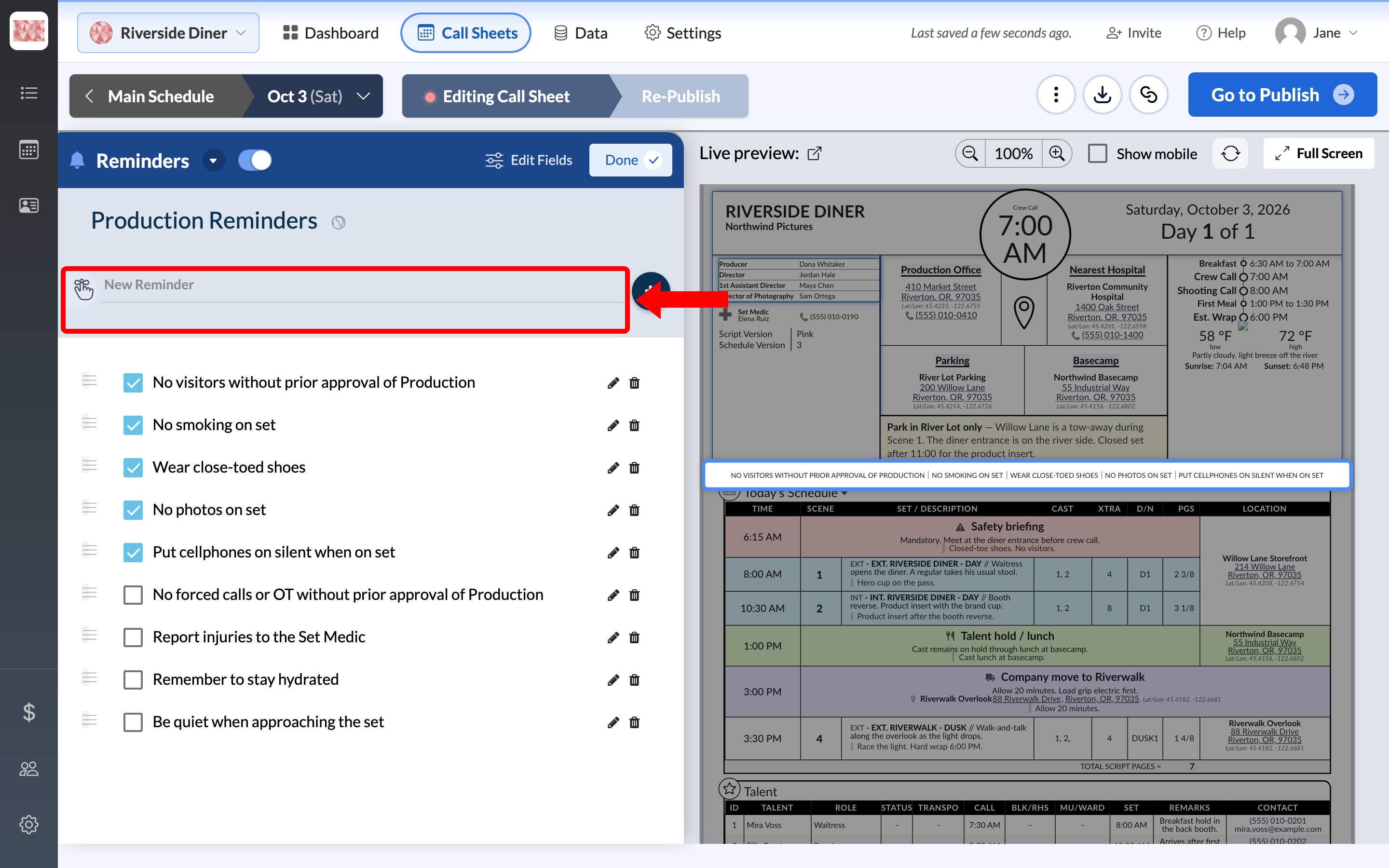
Click Reminders in the Layout list, then:
- Add a reminder: type it in New Reminder and click the plus button.
- Choose what prints: check the reminders you want on the call sheet.
- Change or remove one: use the pencil and trash icons on its row.
- Reorder them: drag a reminder up or down the list.
Note: The reminders list is a project-wide setting, so changes appear on all of the project's call sheets.
Quote of the day
Click Quote of the Day in the Layout list, and an editor opens under its row. Type your quote, and use the tools below it to change the text's size, color, and alignment.
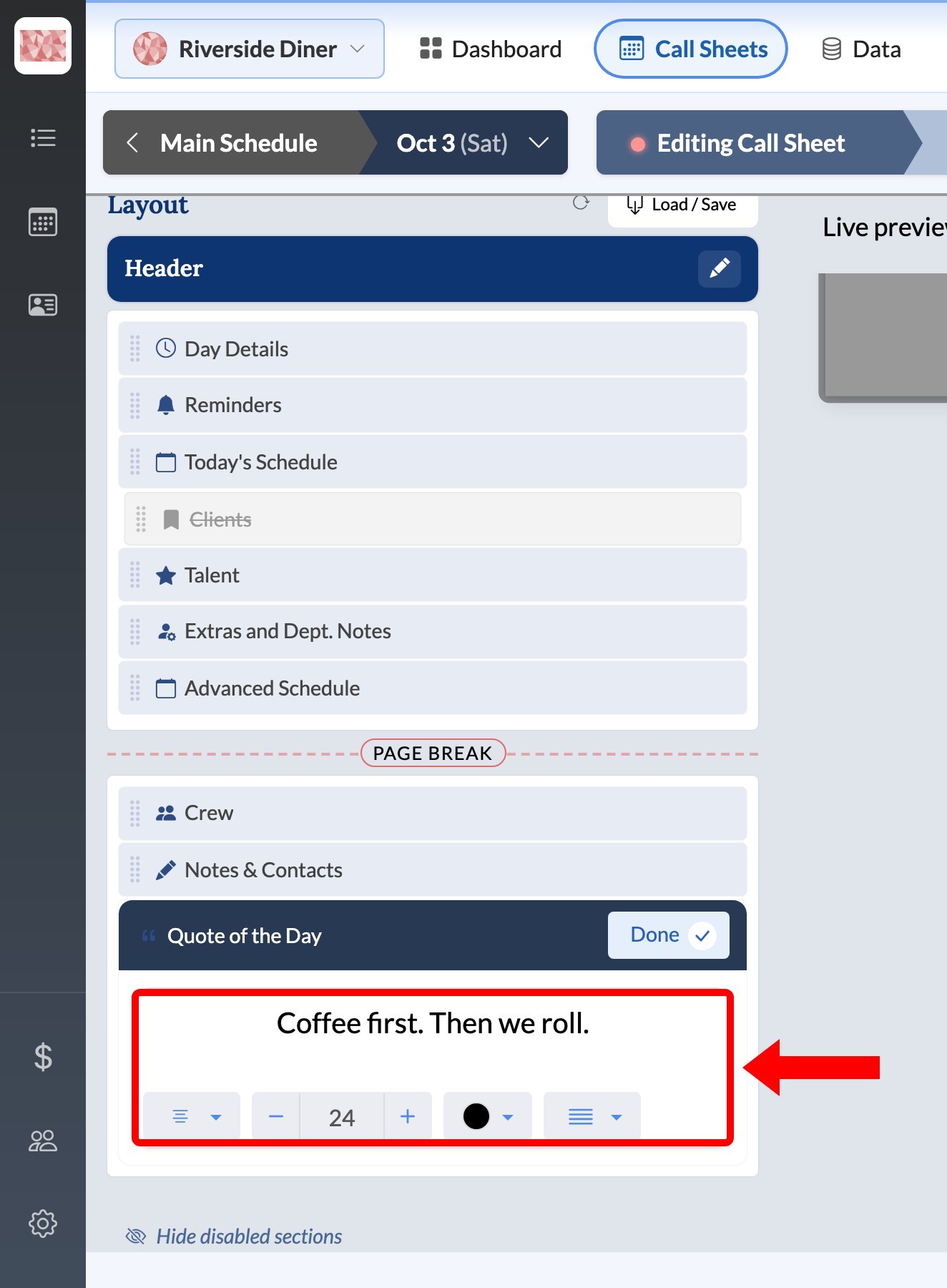
The quote applies to this call sheet only, so you can use a different one each day.