Import scenes from a spreadsheet
How to import spreadsheet scenes into your project's scene list
If your scenes are already in a spreadsheet, you can import them into your project's scene list instead of adding them one at a time. SetHero accepts .csv, .xlsx, and .xls files.
If your scenes are in a script file or another app, see Import scenes from a script or other tools or Import from Movie Magic Scheduling.
Import your spreadsheet
-
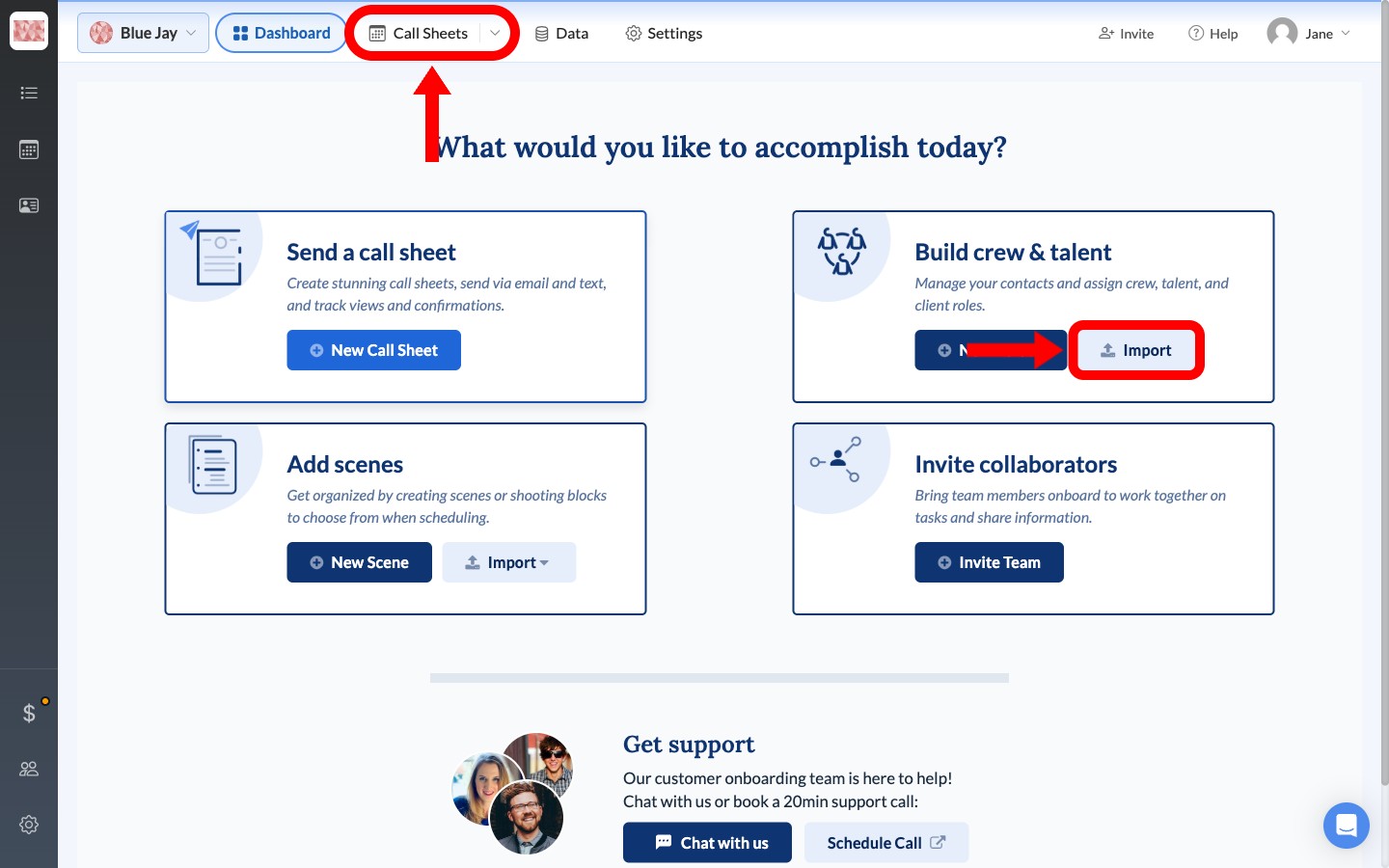
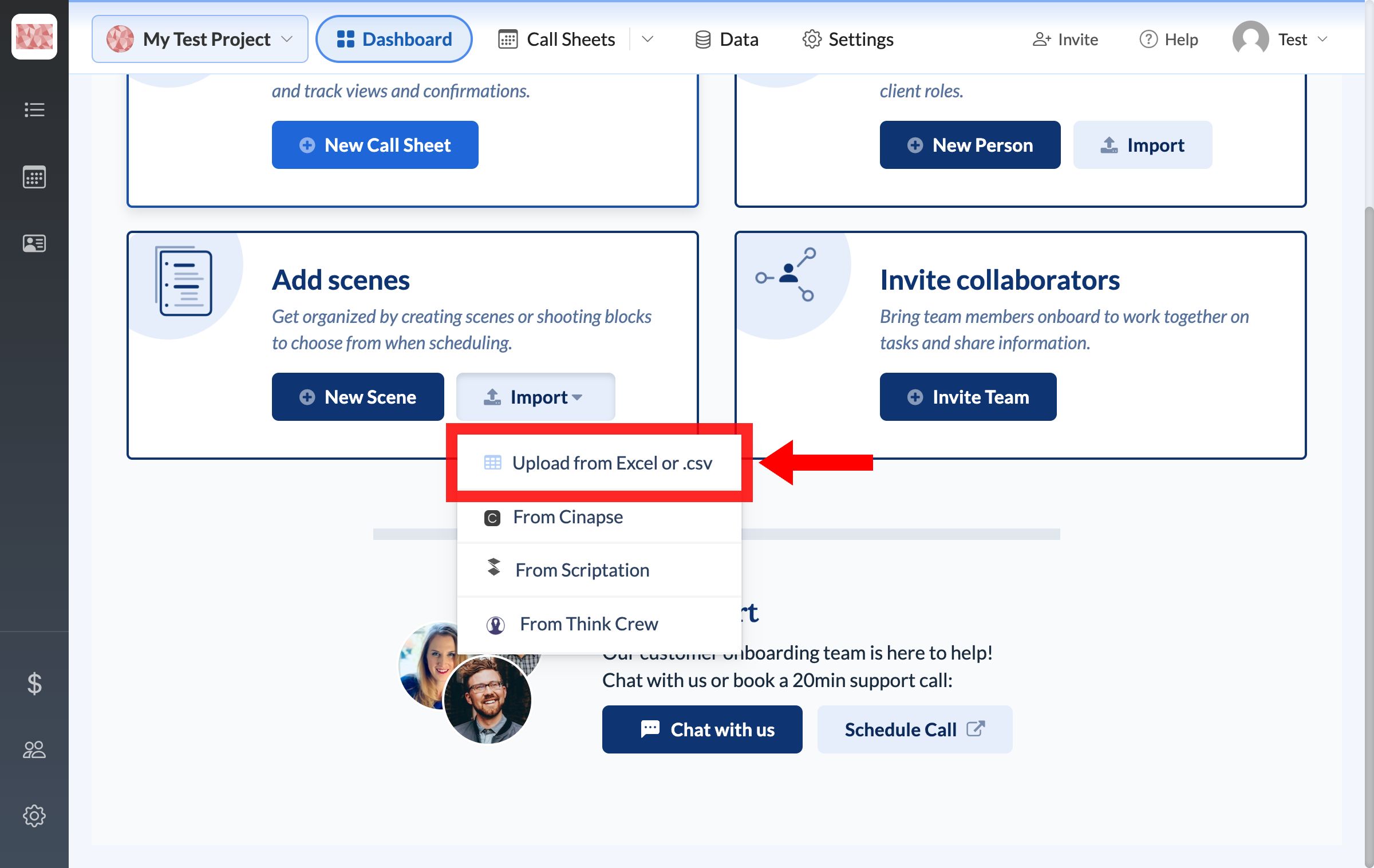
On your project dashboard, find Add scenes, click Import, and choose CSV / Excel.
-
Drag your file into the upload area, or click to browse for it, then click Next.
-
Match each spreadsheet column to its SetHero field, then click Next.
-
Review the results and click Approve and Import.
Your scenes are now in Data → Scenes. Importing doesn't put them on a call sheet yet.
Add the scenes to a call sheet
To put imported scenes on a shoot day, see add scenes to a call sheet. If a scene's details need changing first, see Scene details (INT/EXT, day/night, page count).