Setting up your SetHero account
How account setup works and how to create your first project
Welcome to SetHero! Creating an account and getting your first project set up only takes a few minutes. Here's how to get started.
Create your account
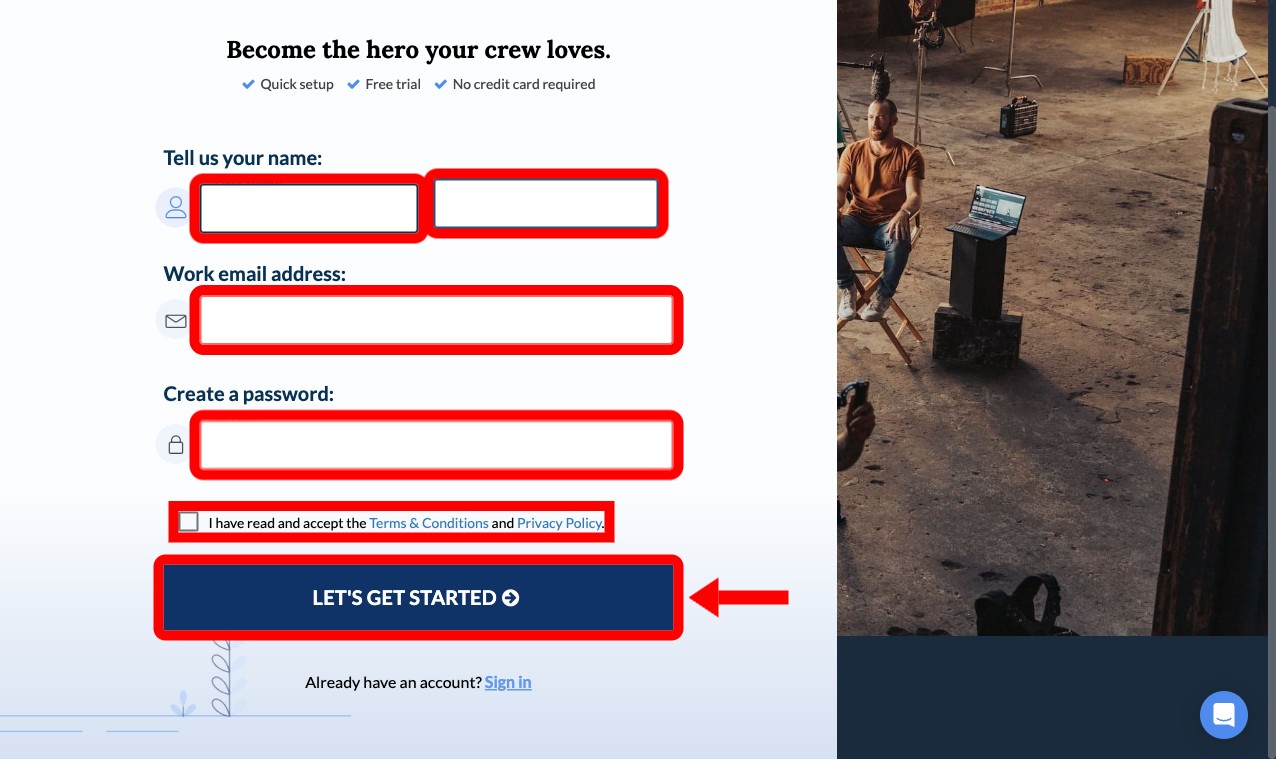
Head to the registration page and enter your name, email, and a secure password. Accept the Terms & Conditions and Privacy Policy, then click Let's Get Started.
Answer a few setup questions
SetHero then walks you through a short setup. Each screen asks one thing, and you click Next (or Looks good) to move on:
-
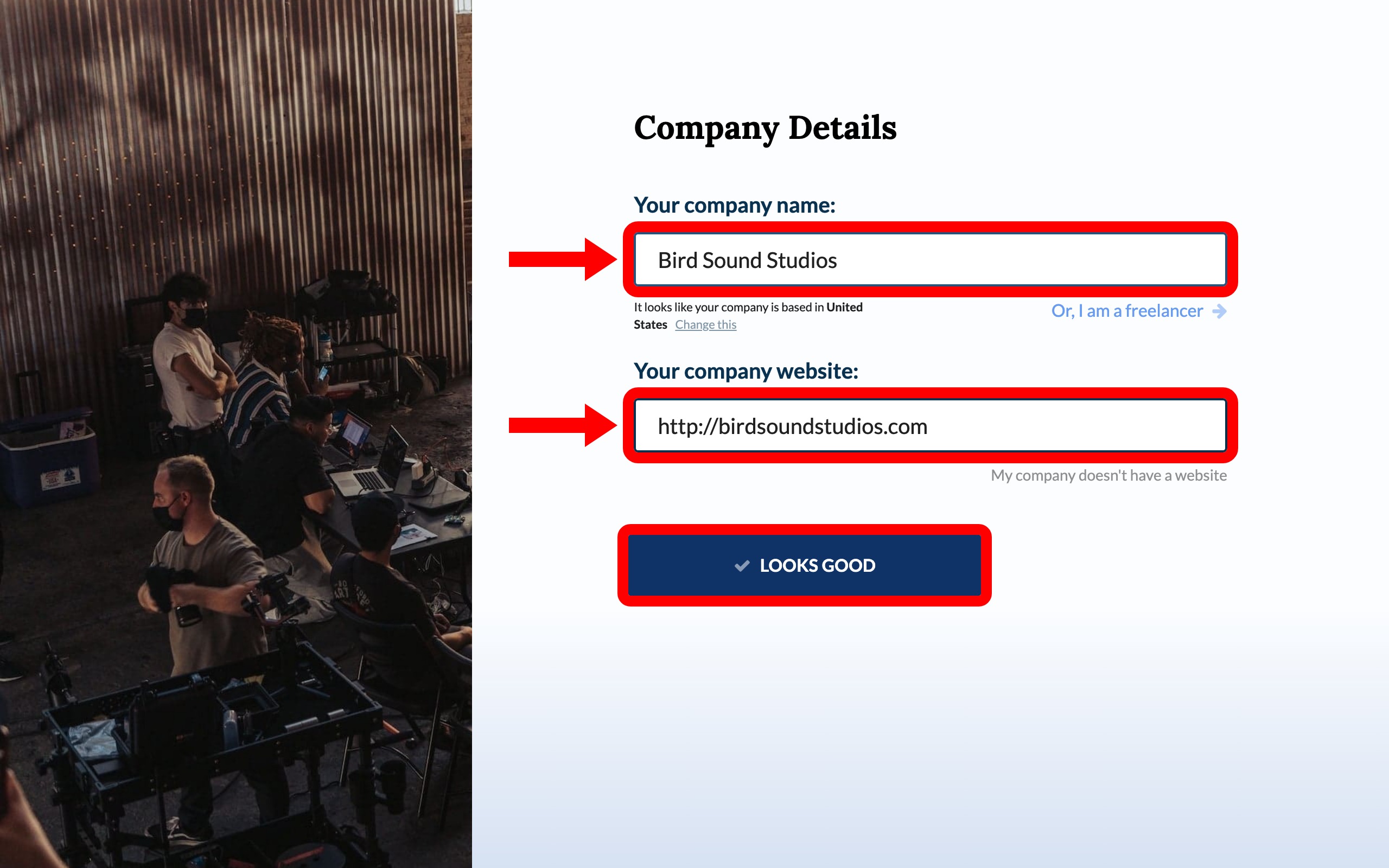
Your Company Name and Company Website. If you're a freelancer or don't have a website, choose those options instead.
-
The type(s) of productions your company makes and roughly how many productions you work on per year.
-
Your current work status in media production, such as full time, part time, student, or beginner.
Create your first project
Enter a Project Title and choose whether this is a Real Project or a Test Project.
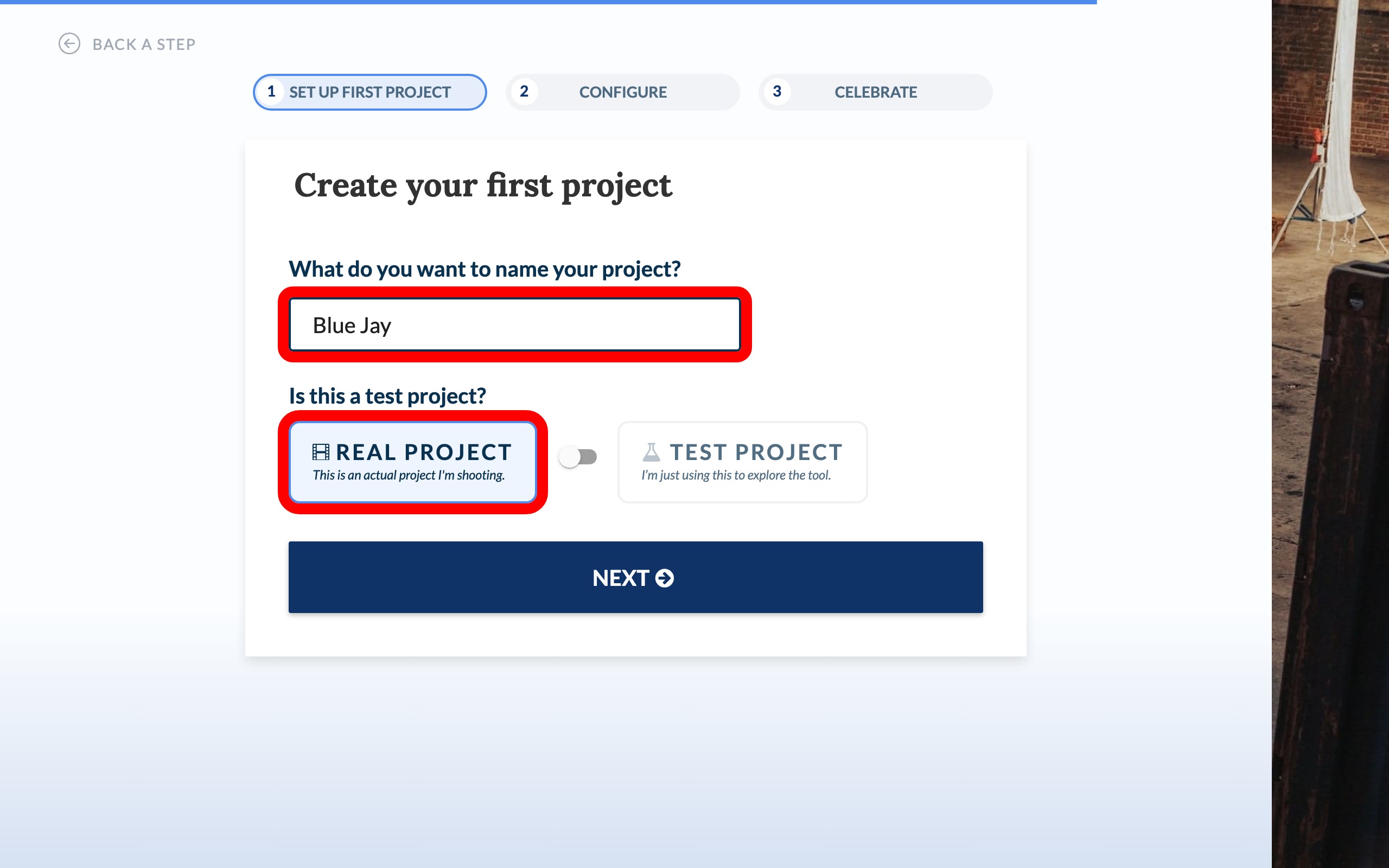
Note: Choosing Test Project doesn't change what you can do. You can build and publish call sheets just like a real project, and publishing still notifies the real people on your call sheet. SetHero only skips the question about when you plan to start shooting. It does become your one Free Starter project, so choose Real Project if you want that free allowance for a real show.
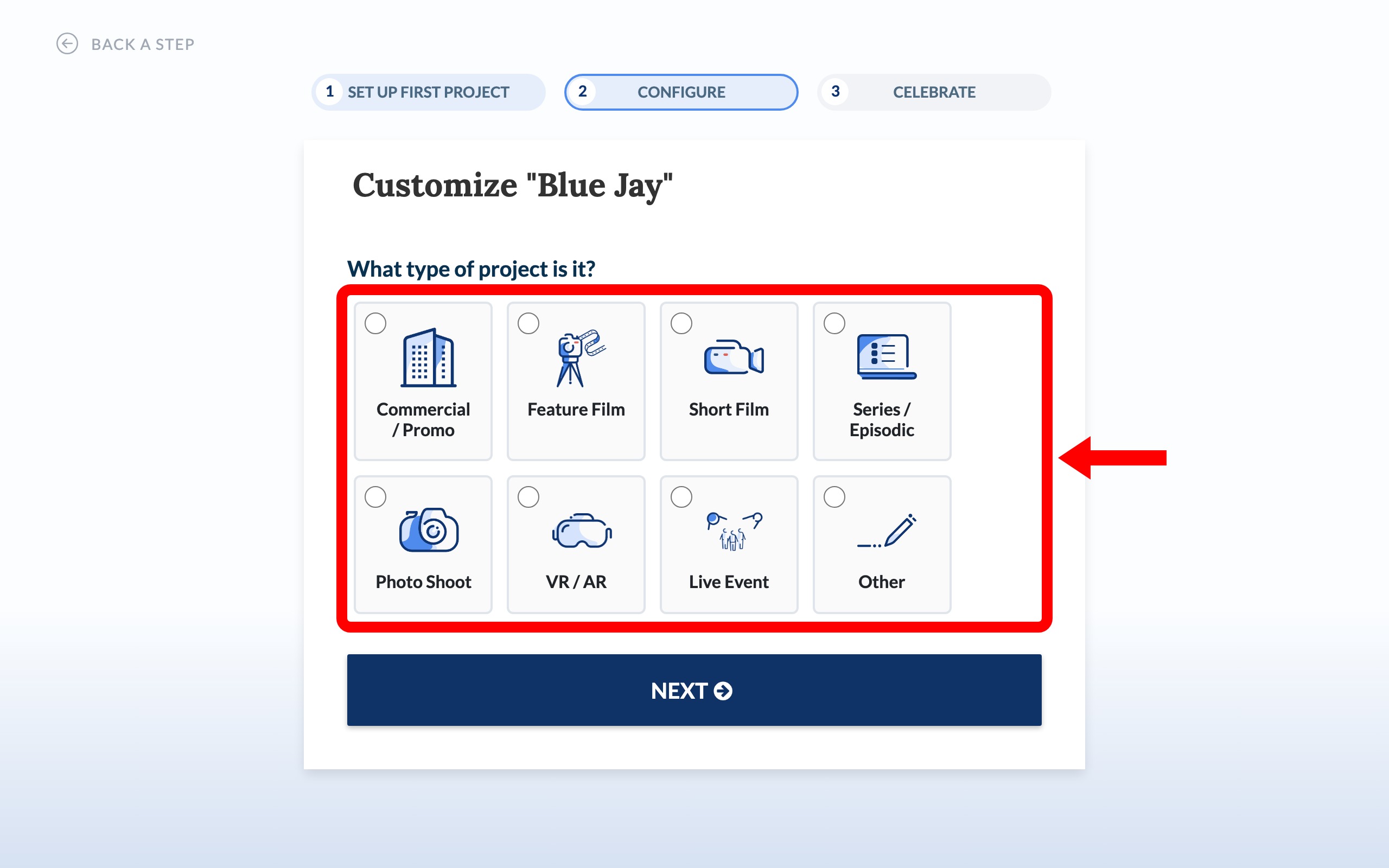
Pick the kind of project you're making, such as Commercial / Promo, Feature Film, or Short Film. For a real project, you'll also pick when you plan to start shooting.
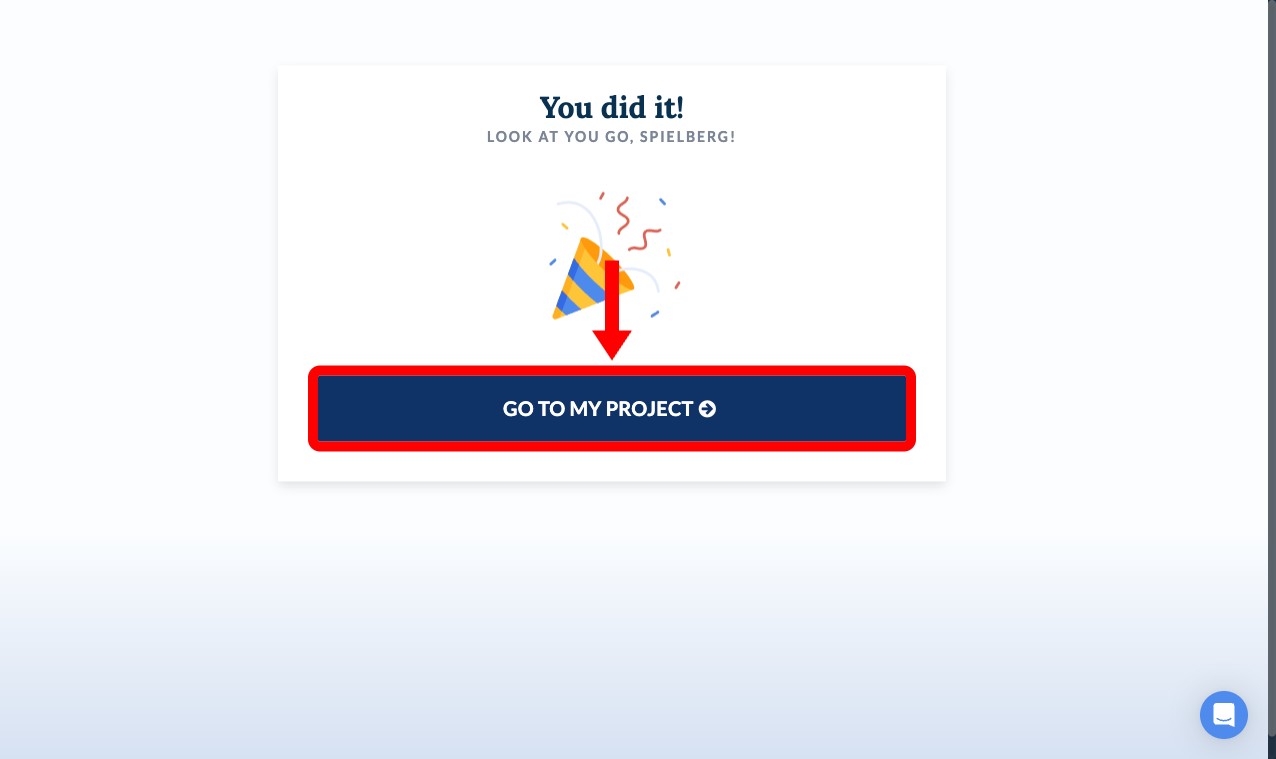
Go to your project
You did it! Click Go to my project to open your new project's dashboard.
Where to go next
- How SetHero is organized: understand how everything fits together, from your company down to a single shoot day.
- Use the launchpad to learn the basics (and earn trial days): learn the project dashboard and earn extra trial days.
- Your first call sheet in 15 minutes: go from an empty project to a call sheet that's ready to publish.
- Add crew, cast, and other contacts: get people onto your sheet.
- Invite your team: bring in anyone who will help you build it.